


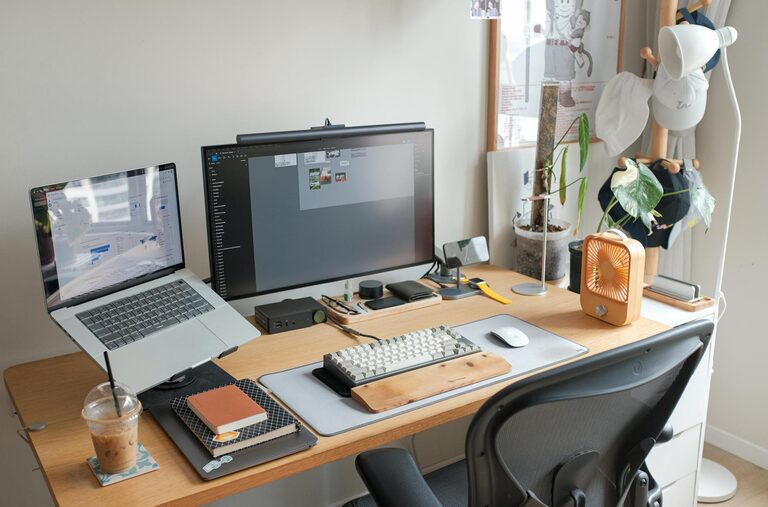
Tips for Creating a Productive Home Workspace That Fits Your Lifestyle
Creating a productive home workspace can significantly improve your focus, efficiency, and overall well-being when working from home. The key is to tailor your workspace to your needs and lifestyle, making it a place where you feel comfortable and motivated. In this post, we’ll explore practical tips to help you design a workspace that not only supports your work but also fits seamlessly into your daily routine.
Understand Your Work Style and Needs
Before setting up your home workspace, it’s important to evaluate the nature of your work and your personal preferences.
– Assess your tasks: Do you need a quiet place for calls or lots of surface space for drawing and paperwork?
– Consider work hours: Are you an early riser or do you work better in the evening? This will influence lighting and space placement.
– Identify equipment needs: Think about what devices, storage, or tools you require, such as multiple monitors, printers, or filing cabinets.
Knowing these details helps you create a space that supports your specific workload.
Choose the Right Location
Location is key when setting up your home workspace. Here are some considerations:
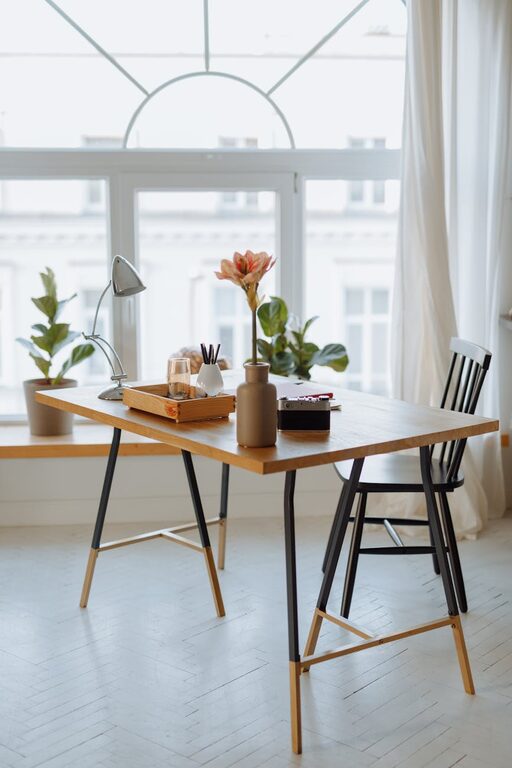
– Natural light: Choose a spot with plenty of natural light to boost mood and reduce eye strain.
– Away from distractions: If possible, find a quiet corner or a separate room where family members or housemates won’t disturb you.
– Space availability: Even a small nook or a corner of the living room can be transformed with the right furniture.
Remember, the best location is one that you can consistently use without disruptions.
Invest in Comfort and Ergonomics
Comfort plays a vital role in maintaining productivity and preventing physical strain.
– Choose a supportive chair: Select a chair with adjustable height and good lumbar support.
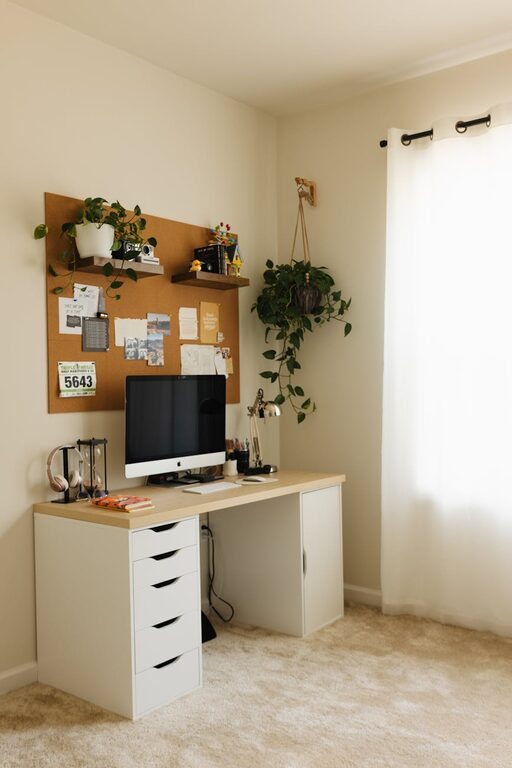
– Desk height: Your desk should allow your hands to rest comfortably at or slightly below elbow height when typing.
– Screen position: Place your monitor at eye level, about an arm’s length away, to avoid neck and eye strain.
– Add accessories: Consider an external keyboard, mouse, or a footrest to improve posture.
Comfortable furniture will help you focus longer and reduce fatigue.
Declutter and Organise Your Space
A clutter-free workspace promotes clear thinking and efficiency.
– Keep essentials only: Limit your desk items to what you use daily.
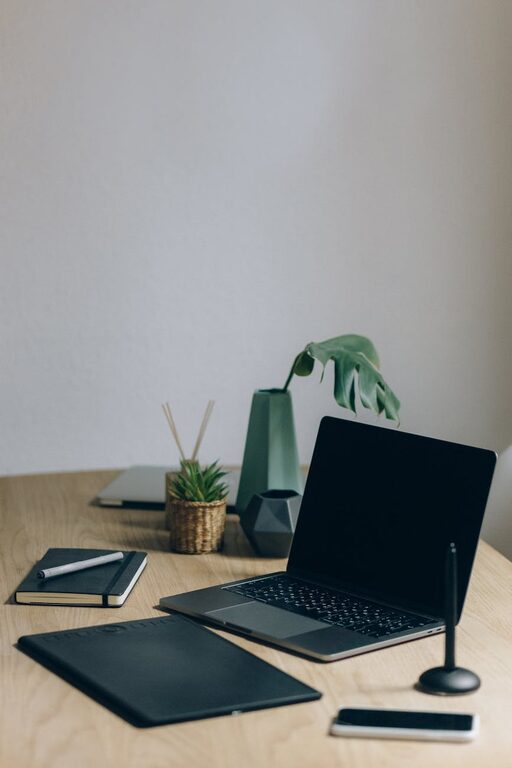
– Use organisers: Desk trays, drawers, and shelves help keep supplies tidy and accessible.
– Cable management: Use clips or sleeves to manage wires and keep the desk area neat.
– Create storage solutions: Label boxes or files for paperwork and supplies so you can find things quickly.
A tidy workspace can reduce stress and distractions.
Personalise Your Workspace Thoughtfully
Personal touches can make your workspace inviting without compromising professionalism or focus.
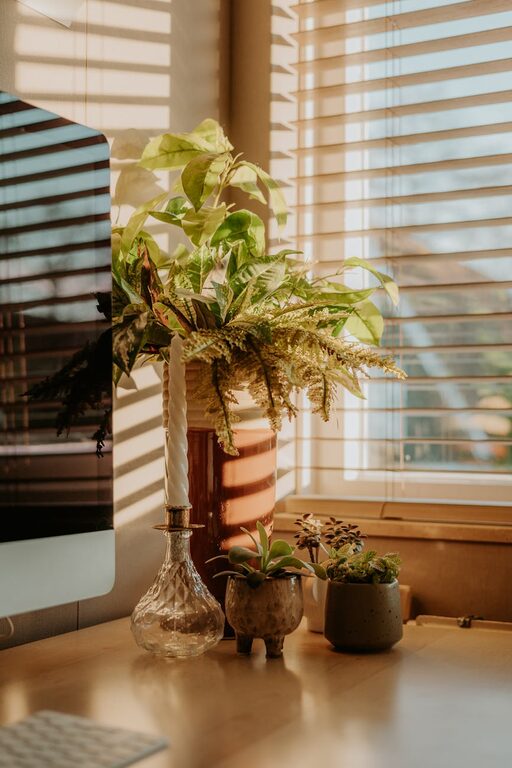
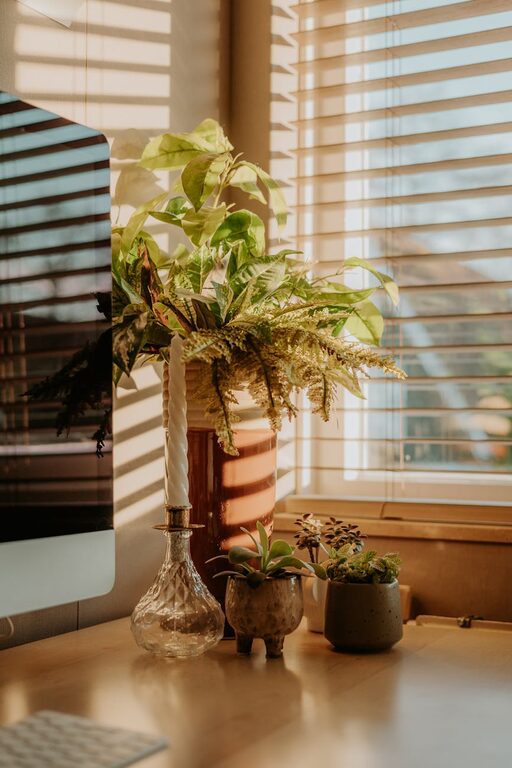
– Add greenery: Small plants improve air quality and add colour.
– Incorporate meaningful art: Choose prints or photos that inspire or calm you.
– Use calming colours: Soft shades can help reduce anxiety and increase concentration.
– Keep it clutter-free: Avoid too many decorations that might distract you.
Personalising your space helps maintain motivation and makes work more enjoyable.
Optimise Lighting and Air Quality
Good lighting and fresh air are essential for alertness and comfort.
– Balance natural and artificial light: Use a desk lamp with adjustable brightness to supplement daylight, especially in the evenings.
– Reduce glare: Position screens perpendicular to windows or use blinds to avoid reflections.
– Maintain fresh air: Open windows regularly or use an air purifier to ensure good ventilation and reduce fatigue.
Proper lighting and air quality can boost your energy levels throughout the day.
Set Up Boundaries and Routines
A dedicated workspace helps separate work from home life, improving mental focus.
– Define work hours: Set a schedule and communicate it to others in your household.
– Create physical boundaries: Use a room divider or close a door to signal work time.
– Take breaks: Use a timer to remind yourself to stand, stretch, or rest your eyes regularly.
– End your day with a ritual: Clear your desk or turn off your computer to mark the end of work.
These habits support productivity and a healthy work-life balance.
Use Technology Wisely
Technology can enhance your home office but be mindful of its impact.
– Choose reliable equipment: Invest in a stable internet connection and quality peripherals.
– Minimise distractions: Turn off non-work notifications during focus periods.
– Organise digital files: Keep your documents and emails systematically arranged for easy access.
– Use productivity tools: Explore apps for time management, note-taking, and communication.
Smart technology use helps streamline your workflow and reduces frustration.
Regularly Review and Adjust Your Workspace
Your needs and lifestyle may change over time, so it’s beneficial to revisit your workspace set up.
– Reflect on what works: Notice if any part of your setup causes discomfort or distraction.
– Be flexible: Don’t hesitate to rearrange furniture or swap out items.
– Stay open to improvements: Small changes can make a big difference in productivity.
A workspace that evolves with you will continue to meet your needs effectively.
—
Creating a home workspace tailored to your requirements is a valuable investment in your productivity and wellbeing. By understanding your work habits, choosing the right location, prioritising comfort, and maintaining organisation, you can build an environment that supports your lifestyle and helps you thrive while working from home.