




How to Create a Comfortable and Productive Home Office Space
Creating a home office that is both comfortable and productive is essential, especially as many of us continue to work remotely or juggle various projects from home. A well-designed workspace can improve focus, reduce stress, and help maintain a healthy work-life balance.
In this blog post, we’ll explore practical tips to help you set up a home office that supports your productivity and wellbeing.
Choose the Right Location
The first step in creating an effective home office is selecting the right space. Consider these factors:
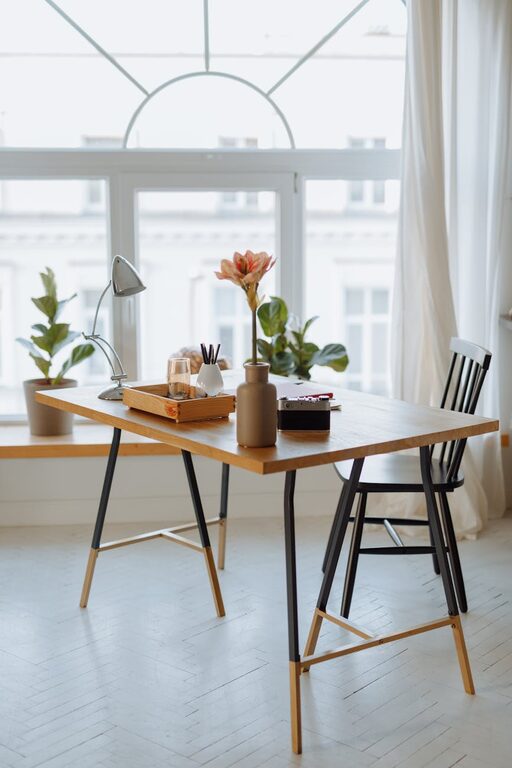
– Natural Light: Try to find a spot with plenty of natural light. This reduces eye strain and boosts mood.
– Quiet Environment: Choose a quiet area where you can minimise distractions, especially if you need to attend video meetings or concentrate deeply.
– Space Availability: Make sure there’s enough room for your desk, chair, and any equipment you need, without feeling cramped.
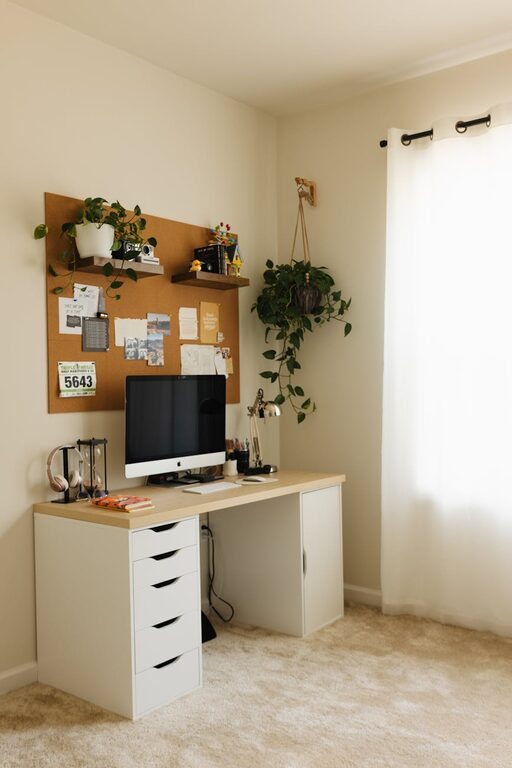
If space is limited, even a small corner can be transformed into a functional office.
Invest in a Comfortable Chair and Desk
Your furniture plays a major role in comfort and productivity:
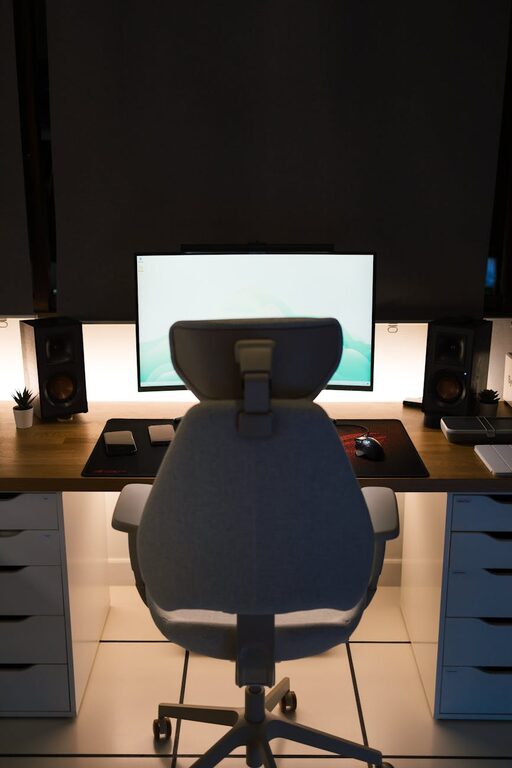
– Ergonomic Chair: An adjustable chair with good lumbar support helps prevent back pain. Look for something that supports your posture for long periods.
– Appropriate Desk Height: Select a desk at the right height for you. Your elbows should be at roughly 90 degrees when typing.
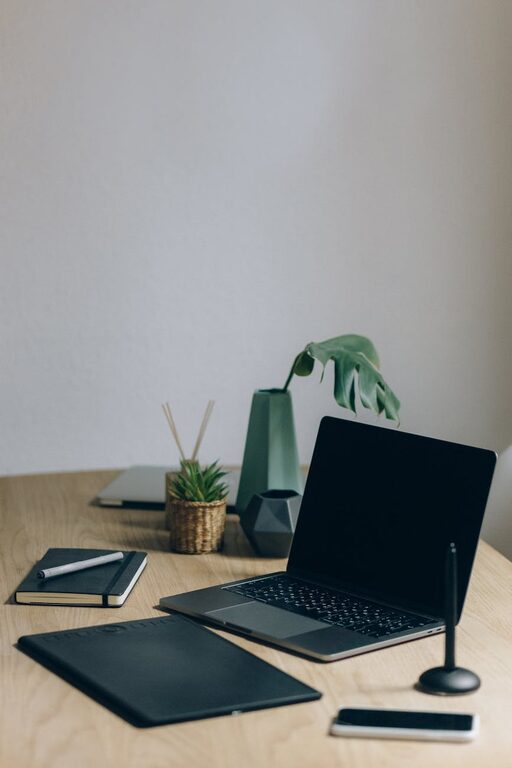
– Desk Space: Ensure there’s enough surface area for your computer, paperwork, and other tools without clutter.
Paying attention to ergonomics prevents discomfort and fatigue.
Organise Your Equipment for Efficiency
Having easy access to your tools reduces wasted time and stress:
– Technology Setup: Set up your computer, printer, and other devices within arm’s reach.
– Cable Management: Use clips, ties, or covers to keep cables tidy and avoid tangling.
– Essential Supplies: Keep stationery, notepads, and chargers organised in drawers or containers.
Avoid clutter to help your mind focus.
Optimise Lighting
Good lighting is crucial for a productive workspace:
– Layered Lighting: Combine natural light with task and ambient lighting to avoid shadows and glare.
– Desk Lamp: A flexible desk lamp can help illuminate specific tasks without adding harsh overhead light.
– Positioning: Position screens to avoid reflections from windows or bright lights.
Adjust lighting throughout the day to maintain comfort.
Personalise Your Space
Adding personal touches can make your office more inviting and motivate you:
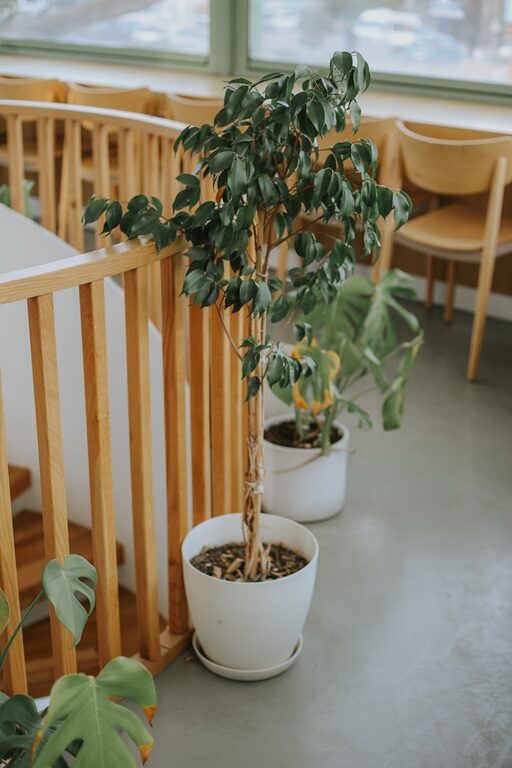
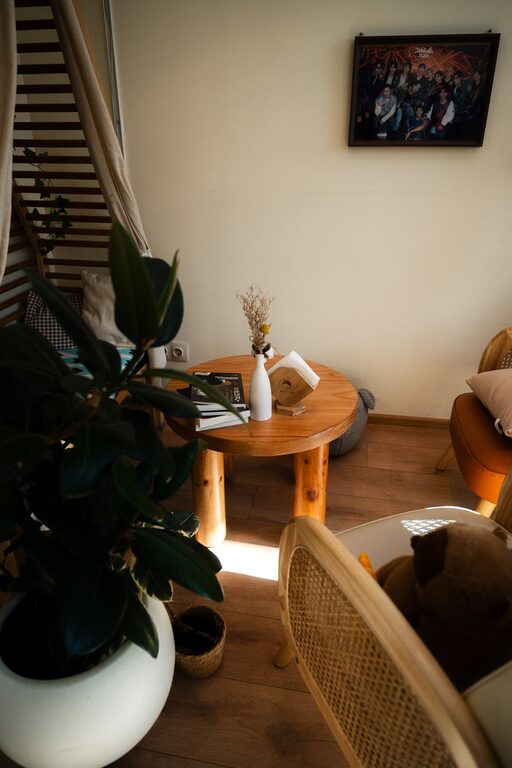
– Plants: Greenery can improve air quality and create a calming atmosphere.
– Artwork: Display inspiring images or quotes on your walls.
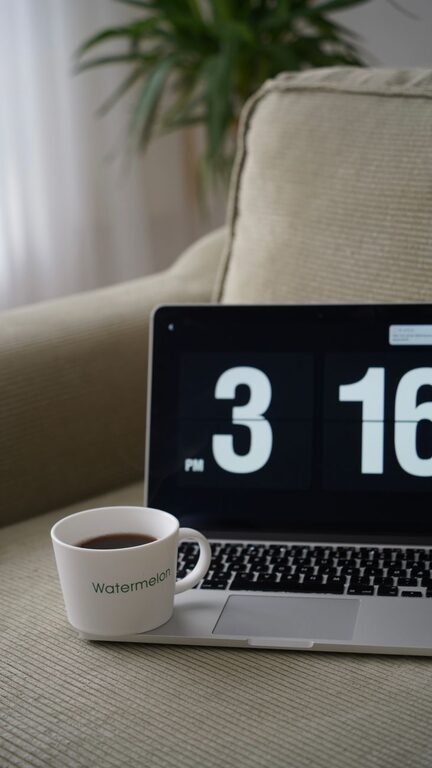
– Comfort Items: A cosy rug, cushions, or a favourite mug can make long work hours feel more pleasant.
Personalising your workspace helps boost creativity and enjoyment.
Minimise Distractions
Creating an environment where you can focus is key:
– Designate Work Hours: Set clear start and finish times to separate work from home life.
– Noise Control: Use noise-cancelling headphones or background music if needed.
– Limit Interruptions: Inform household members of your schedule and create signals for when you shouldn’t be disturbed.
These strategies encourage deeper concentration.
Keep the Space Clean and Clutter-Free
A tidy workspace supports a tidy mind:
– Daily Clearing: Spend a few minutes at the end of each day tidying your desk.
– Storage Solutions: Use shelves, filing cabinets, and organisers to keep paperwork and tools out of sight.
– Digital Declutter: Organise your computer files regularly to improve efficiency.
A clean space reduces stress and distractions.
Manage Temperature and Ventilation
Comfort also comes down to physical environment:
– Keep it Cool or Warm: Adjust heating or cooling so you’re comfortable throughout the day.
– Fresh Air: Open a window or use an air purifier to keep air fresh.
– Fans or Heaters: Use portable devices if needed to maintain a comfortable temperature.
A pleasant climate supports better focus and energy.
Take Regular Breaks and Move
Even the best setup won’t work if you don’t look after your body:
– Short Breaks: Step away from your desk every hour for a few minutes.
– Stretch and Move: Simple stretches or a brief walk help relieve tension.
– Eye Care: Follow the 20-20-20 rule—every 20 minutes, look at something 20 feet away for 20 seconds.
Movement supports physical health and mental clarity.
Conclusion
Creating a comfortable and productive home office is about combining good design, organisation, and self-care. By choosing the right space, investing in quality furniture, managing light and distractions, and personalising your area, you can build a workspace that supports your best work. Remember, small changes can make a big difference in how you feel and function during your workday.
Set up your home office thoughtfully, and enjoy the benefits of a healthier, happier working environment right at home.